SKUNK

We install it, you enjoy it.

WHAT IS IT ALL ABOUT?

TRAILER

01

A simple trailer, nothing more, nothing less.

PRESENTATION

02

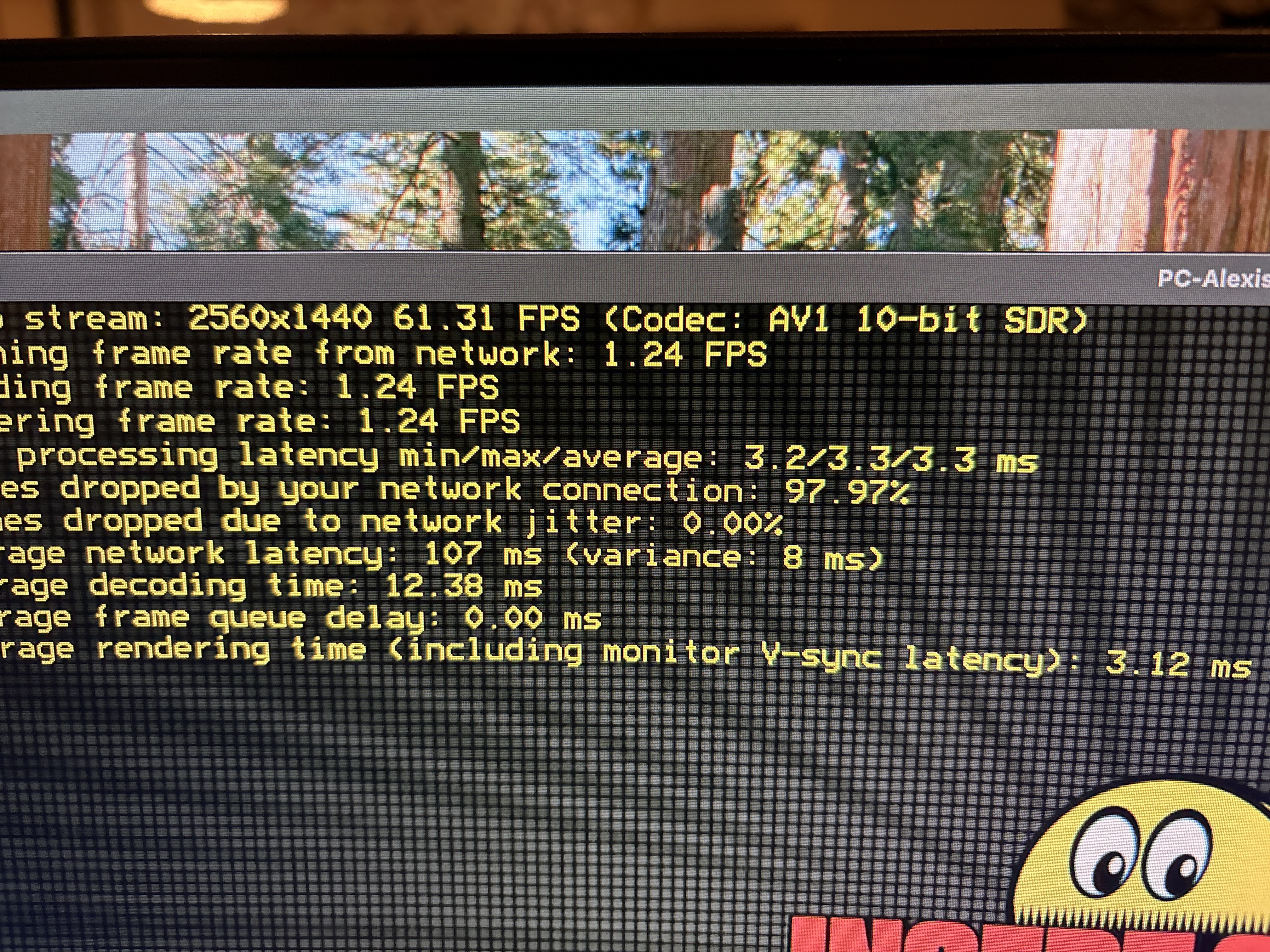
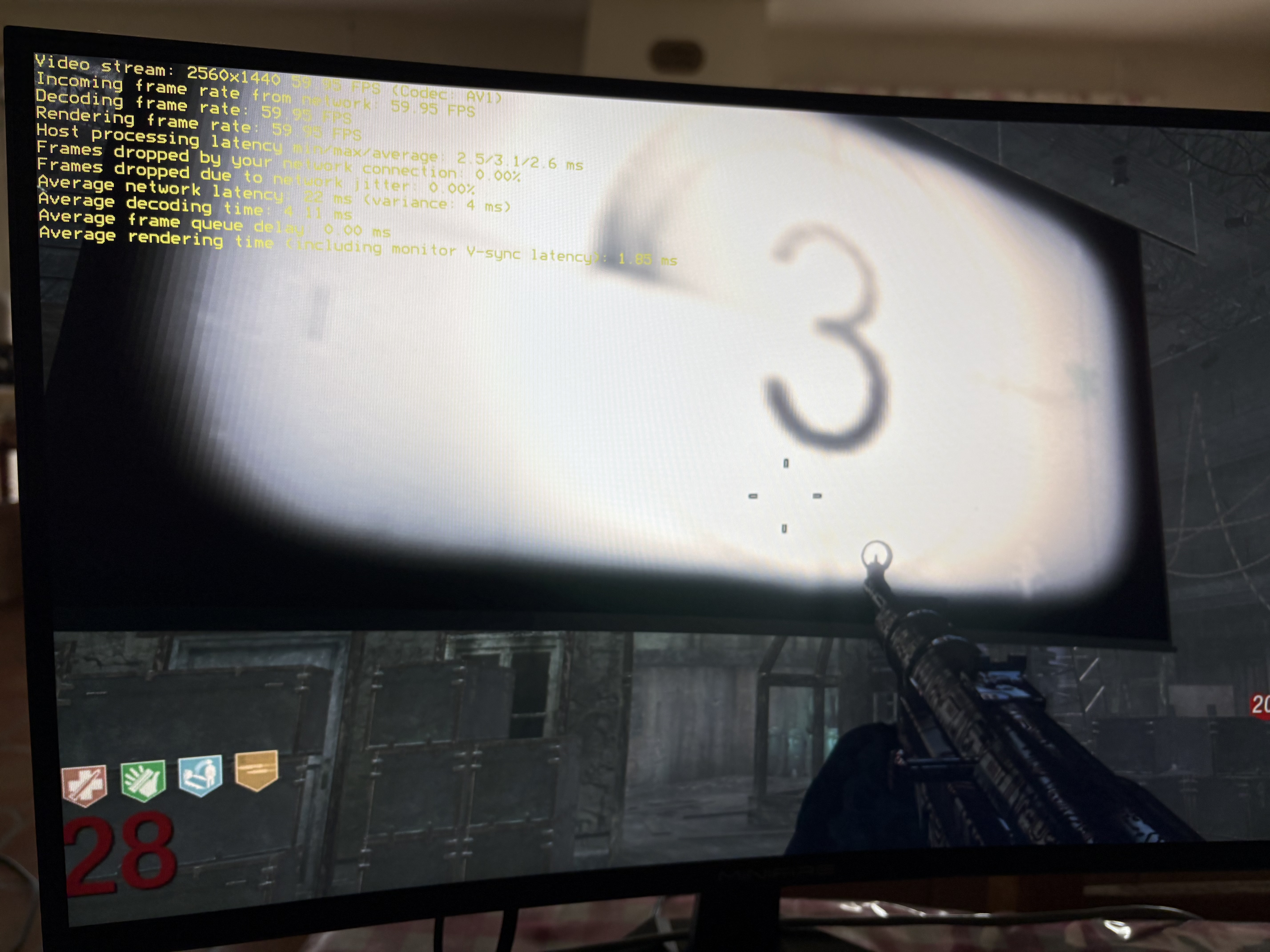
1440p at 60 fps, streamed from the host with no visible lag.

Animated video

03

More visuals, more fun.

Our story

A true expertise about audiovisual streaming.

And we're not going to pretend we reinvented the wheel. Our story is a different one.

Open-source projects like Moonlight and Sunshine let you play demanding games or run heavy apps remotely, powered by a machine you already own. But getting them installed, configured and running smoothly takes persistence. A simple setup often turns into hours of forum threads, trial and error, and starting over.

We spent that time for you: studying, testing and breaking this setup until it runs reliably. That's where SKUNK comes in.

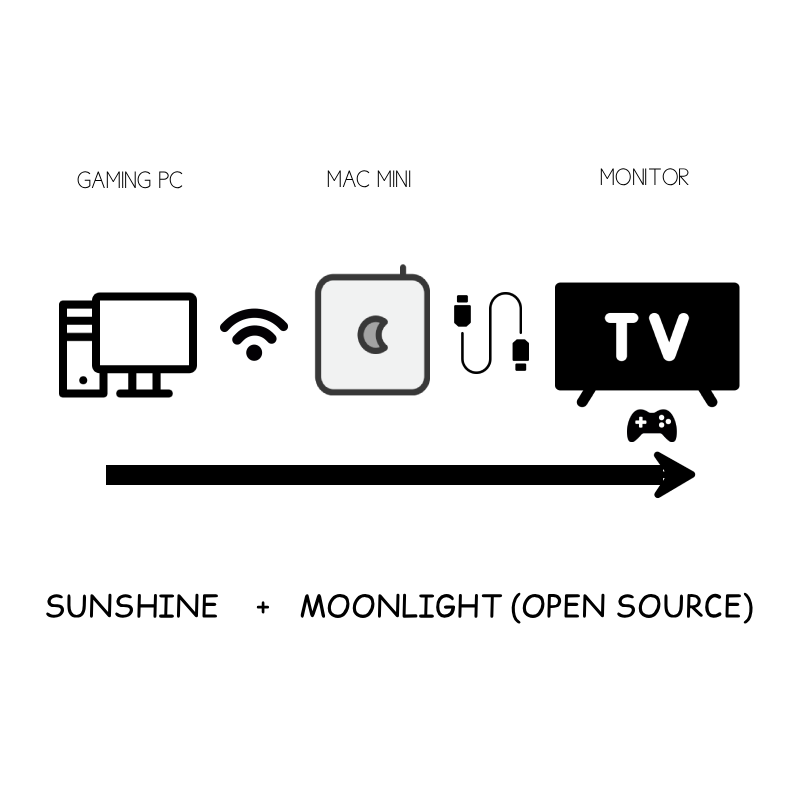
Sunshine — host Moonlight — client Open source
How it works

An extension of your PC,
not a replacement.

SKUNK is for people who already own a PC that runs games in high quality. We turn it into a streaming host you can reach from any screen. Using lightweight hardware and optimized software.

01 / Host

Your PC

Your gaming PC runs Sunshine and does all the heavy work: rendering and encoding.

02 / Signal

The network

Video and sound travel out. Only keyboard, mouse and controller inputs travel back.

03 / Client

Any screen

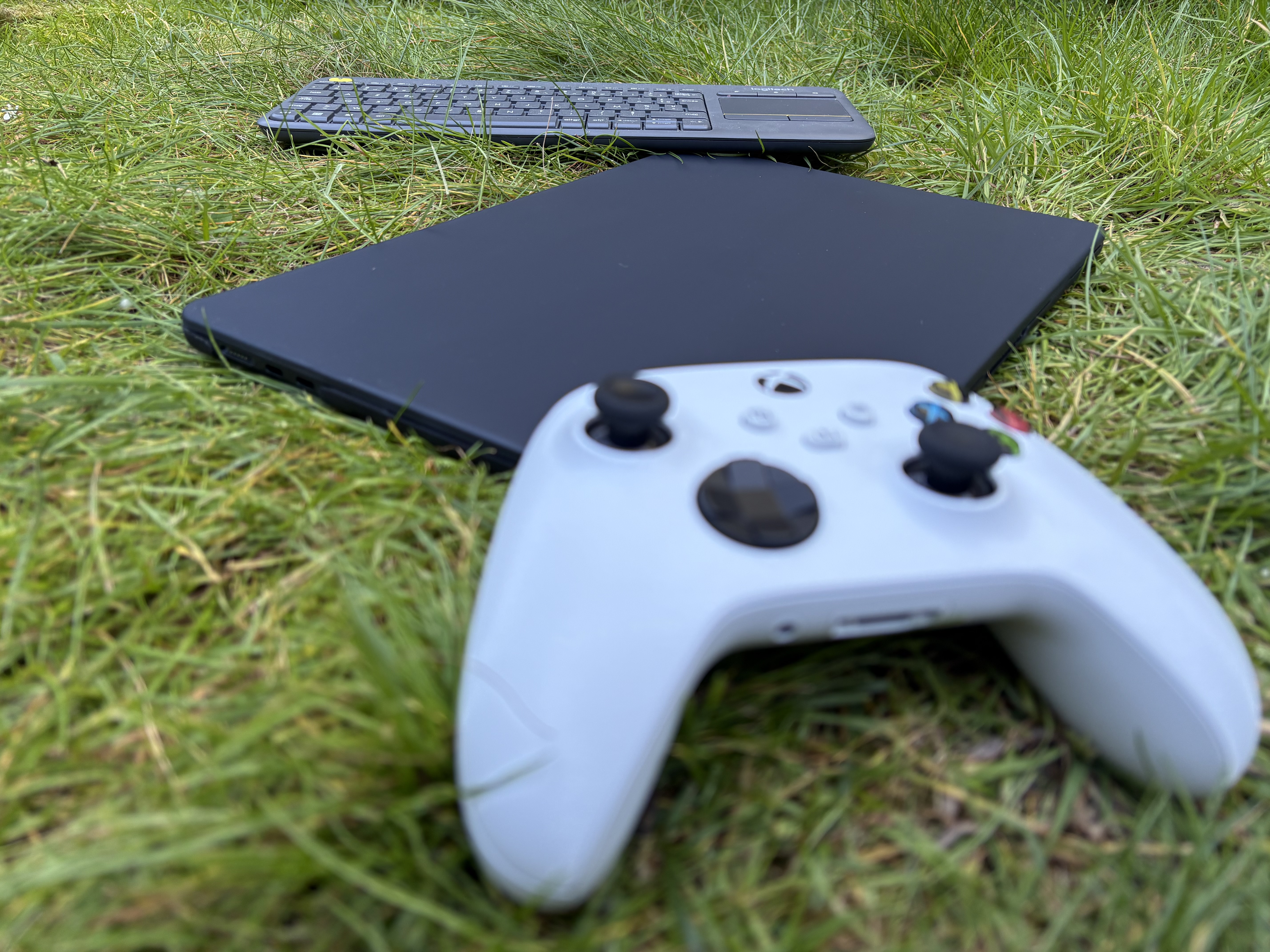
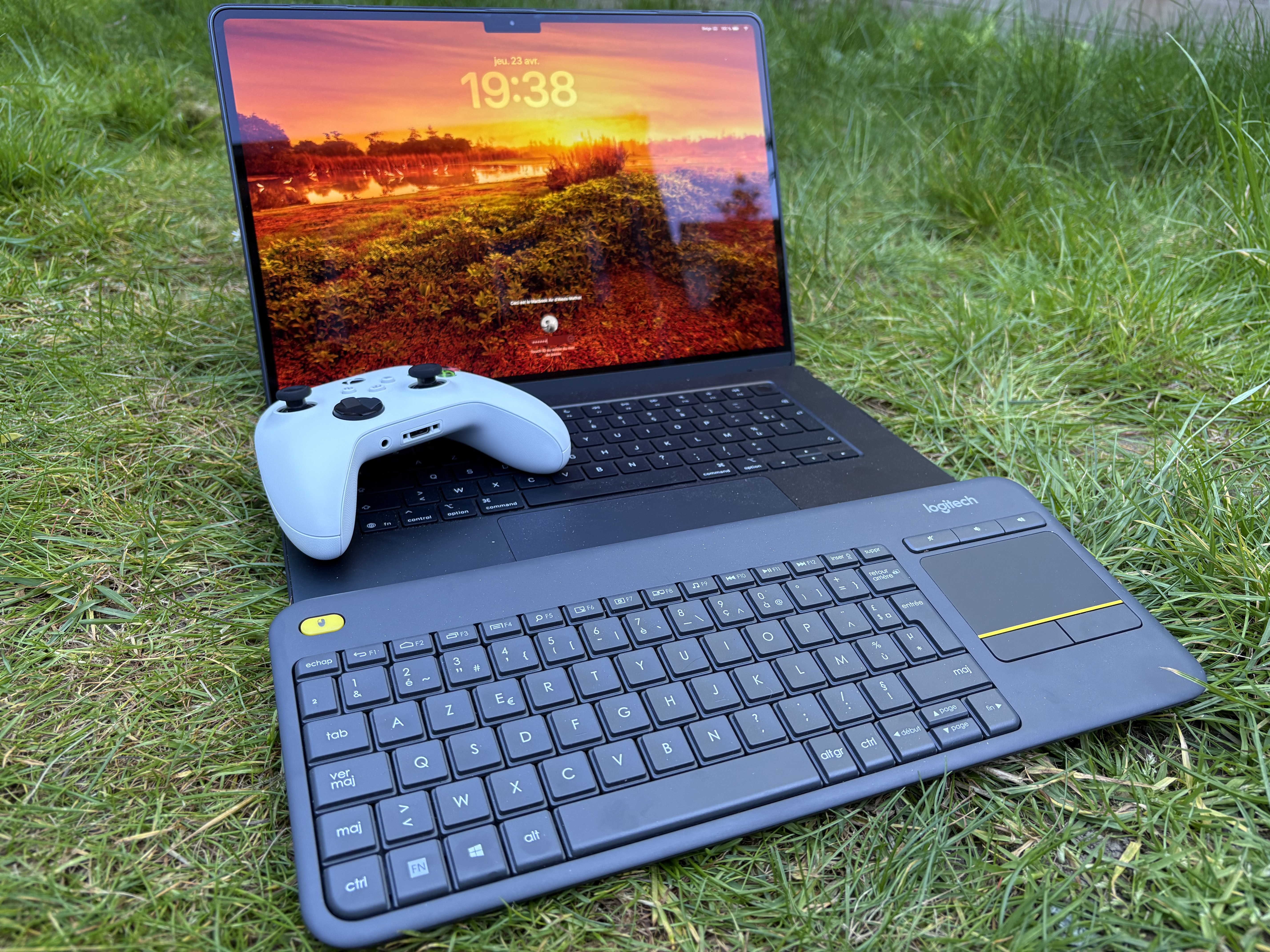
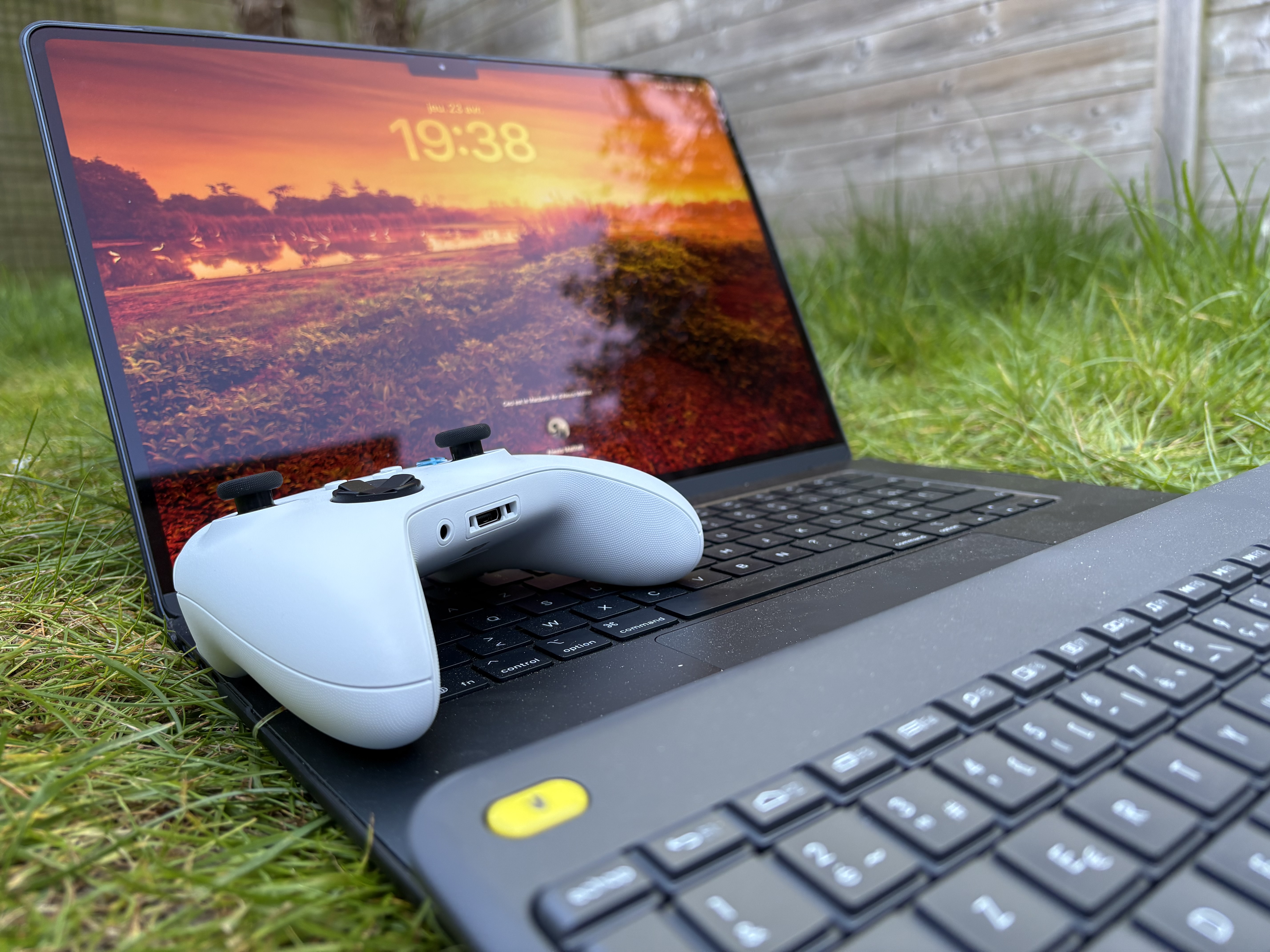
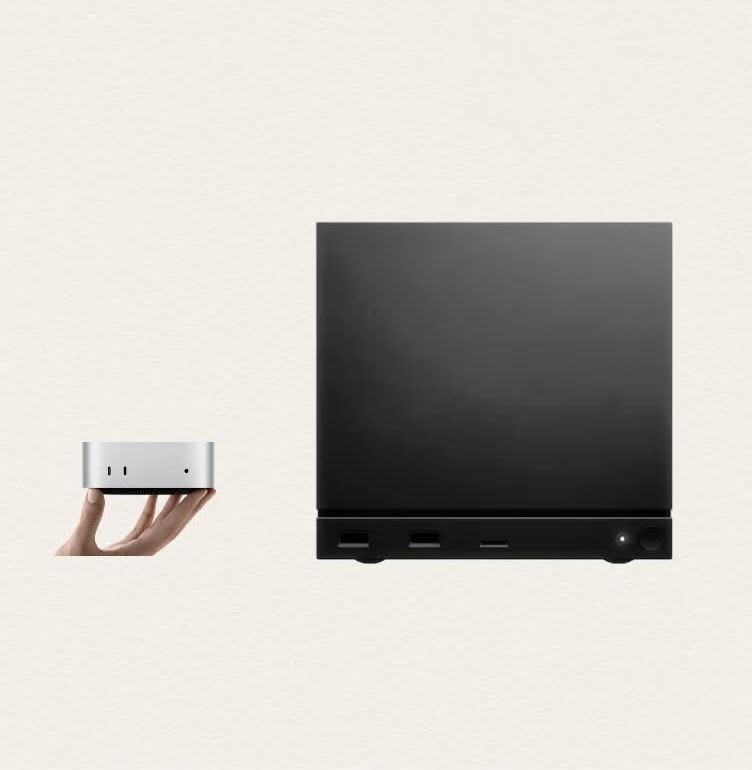
A Mac, a laptop, or a small box plugged into your TV runs the lightweight client.

04 / Play

You

You play or work as if you were sitting in front of your PC.

1440pBase resolution
60Frames per second, stable
Wi-Fior Ethernet
3G–5GMobile data ready
You choose

We install it.
You use it.

Complete installation

Done for you

  • Host and client installed and configured
  • Tuned for 1440p, 60 fps, over Wi-Fi and Ethernet
  • Help choosing a small device for your TV
  • Tested with you before we leave
800 €Flat rate · hardware not included
Book an installation
Documentation

Build it yourself

  • Step-by-step installation guide
  • The common traps, quirks and fixes
  • Settings we use and why
  • Go at your own pace
GuideSelf-installation
Get the documentation
Development

Behind the build.

01 / 11
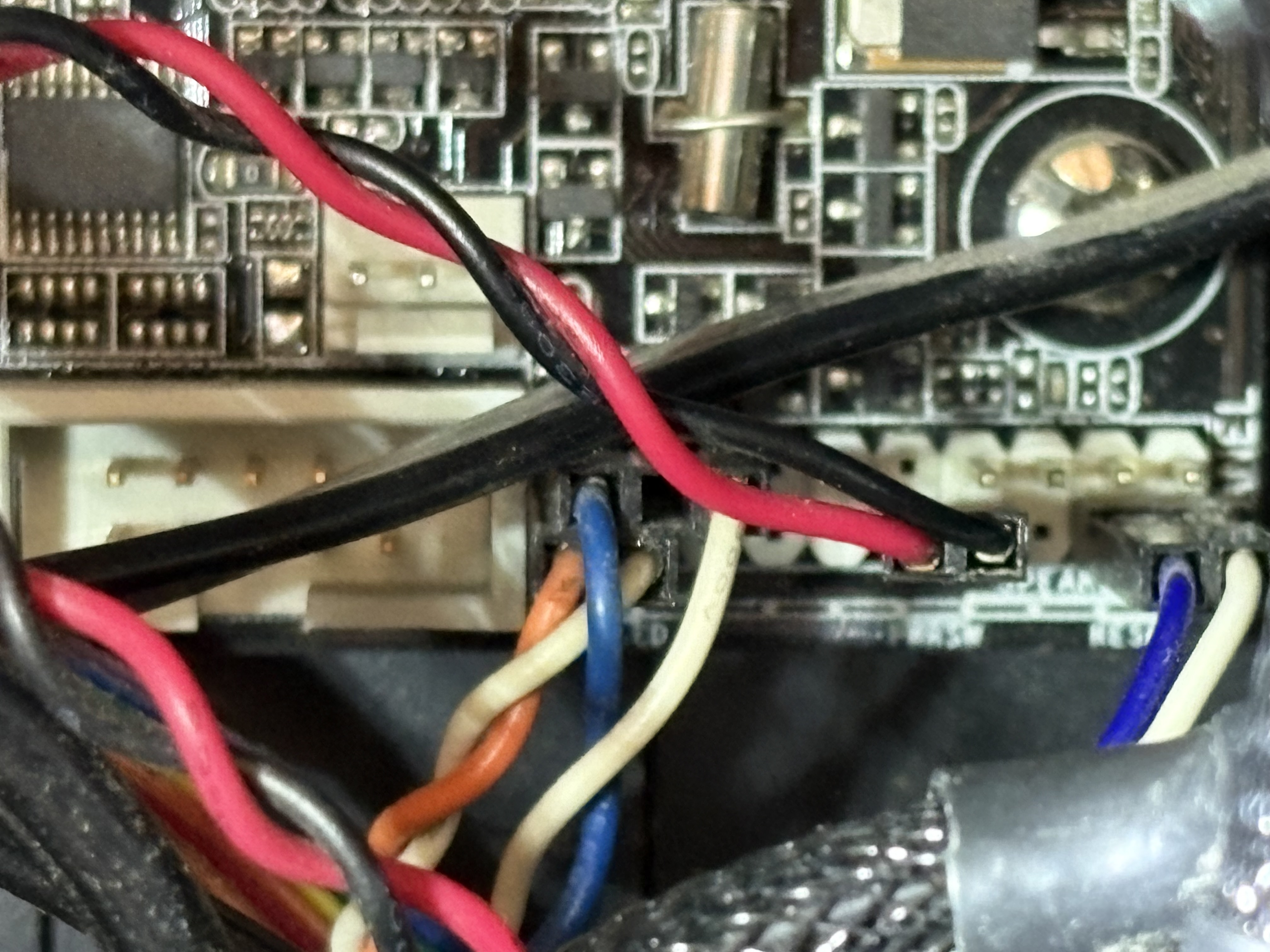
First Sunshine host install
SKUNK.01 / 11
Encoder settings on the RTX host
SKUNK.02 / 11
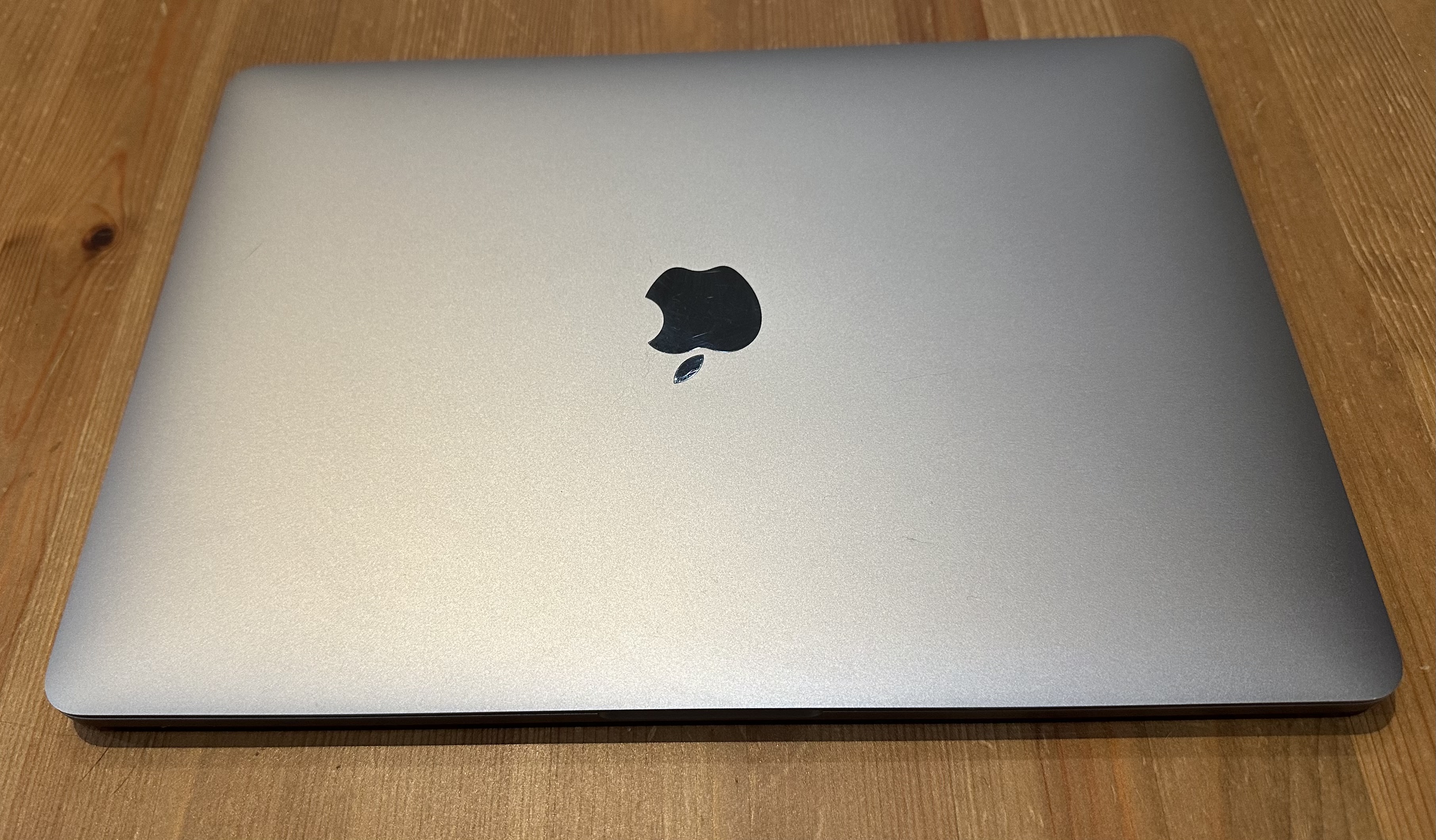
Client on the Mac mini
SKUNK.03 / 11
Custom SKUNK interface
SKUNK.04 / 11
Splash screen and dust animation
SKUNK.05 / 11
Network and port tests
SKUNK.06 / 11
Fixing stream freezes
SKUNK.07 / 11
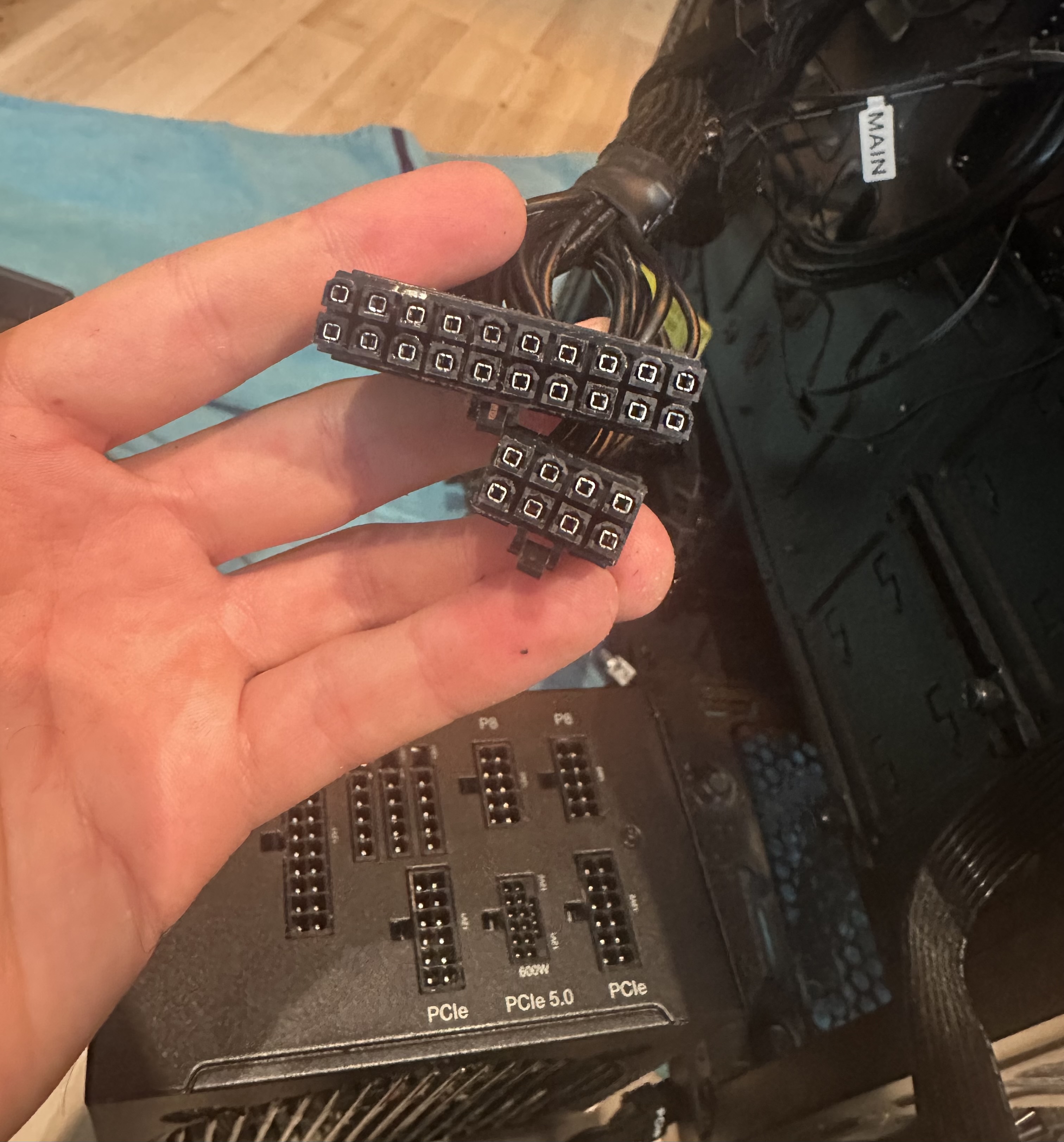
Remote power control
SKUNK.08 / 11
Couch test on the TV
SKUNK.09 / 11
Mobile data test
SKUNK.10 / 11
Final setup
SKUNK.11 / 11
SKUNK explainer — the project in our own words0:00 / 0:00